How to check a generated worksheet before printing
A generated worksheet needs correct answers, lesson fit, clear directions, difficulty chosen on purpose, writing space, and a clean print layout.
By Homa
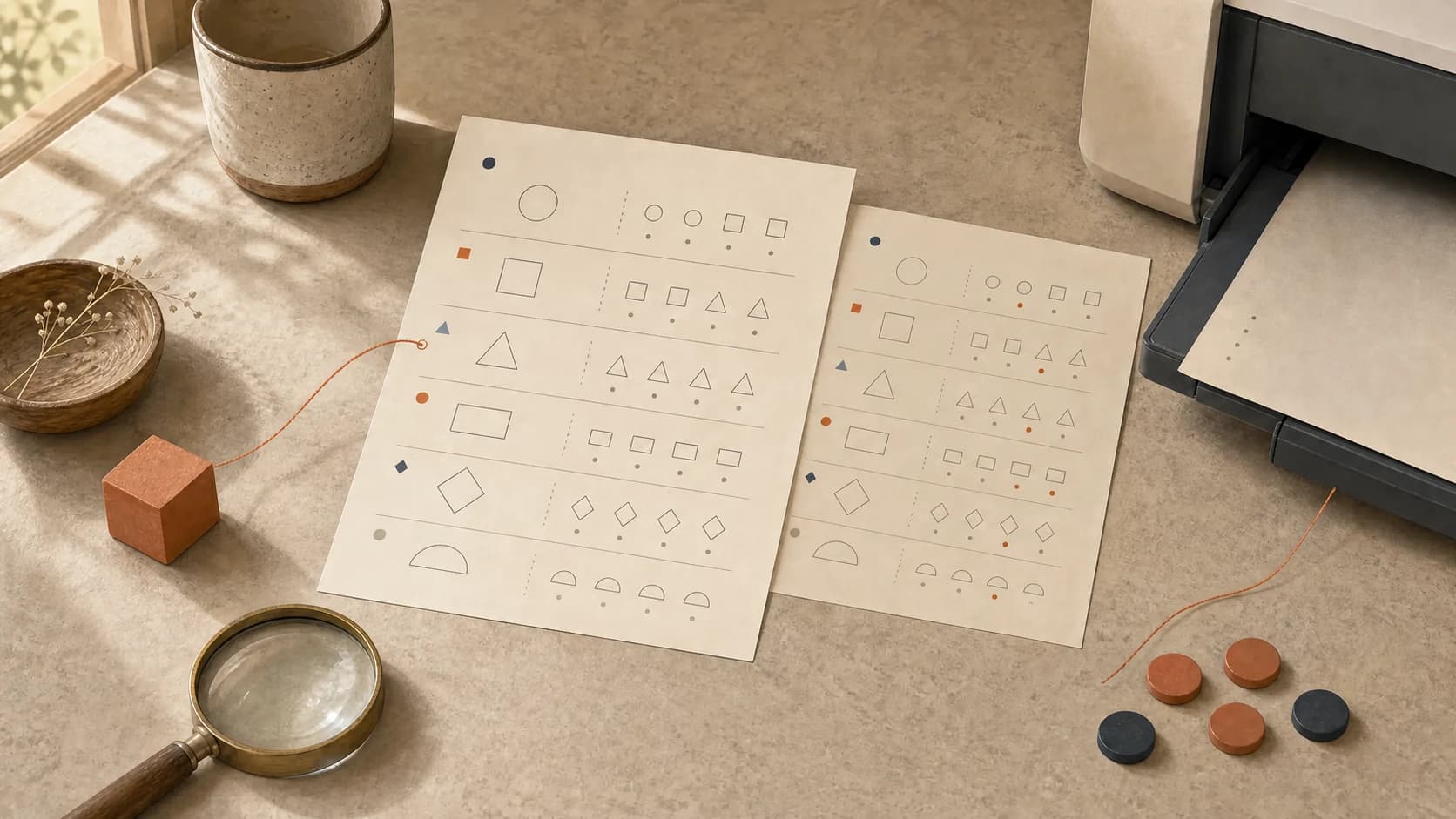
The worksheet looks finished. The title is centered, the borders are charming, and the answer key gives fourteen for question six.
The correct answer is twelve.
Print-ready describes the file. It does not describe the lesson.
Before printing, a generated worksheet can pass six practical checks: the answers and key agree, every item matches the lesson, the directions say what to do, difficulty changes on purpose, each response has room, and the actual print holds together. A polished PDF can still contain a wrong answer, an unplanned skill, or nowhere to write.
The lesson belongs beside the worksheet
The request or brief that created the page gives the check its reference point:
Lesson we just did:
One thing this page should practice:
Words or method already used:
How much work:
How the learner will answer:
Anything to leave out:
Without the brief, a page can look generally educational and still miss today's work. “Second-grade math” is broad. “Build equal groups and connect each model to a multiplication expression” gives the review something exact to protect.
Check 1: every answer and the key agree
An answer key does not verify itself. Each item can be worked from the student page and compared with the key.
The comparison can reveal:
- incorrect arithmetic or facts
- more than one reasonable answer when the key lists one
- an answer that depends on missing information
- a mismatch between the item number and the key
- an example whose answer teaches the wrong pattern
For open responses, a useful key describes an acceptable idea, step, or detail instead of pretending one exact sentence is the only valid response.
If there is not enough time to solve and review the whole page before using it, the page may be too long to use confidently.
Check 2: every item points back to the skill
One sentence can check each question:
This item gives practice with ______________________________.
Generated pages can drift. A worksheet requested for vowel patterns may quietly add unfamiliar vocabulary, handwriting load, or reading comprehension. A fraction page may introduce a model the lesson has not used. A history response may require facts outside the supplied text.
If an item adds a second skill you did not plan, it needs revision before it belongs on this page.
Variety is useful when every item still serves the named lesson.
Check 3: the directions contain the whole thought
Adults who know the lesson automatically repair vague instructions. A learner sees only the words on the page.
A literal read can help answer:
- Does it name the action: circle, write, draw, match, explain, or solve?
- Does the example use the same format as the questions?
- Is it clear where the answer belongs?
- If there are several steps, are they in the order the learner will use them?
- Does a symbol, color, or picture carry meaning that may disappear in black and white?
A clear first item can be completed using only the directions and example on the page. Any missing thought will still be missing after printing.
Check 4: difficulty changes are deliberate
A page may begin with the requested skill and end somewhere else.
The first, middle, and last item can be compared for changes in:
- number size
- sentence length
- vocabulary
- number of steps
- visual support
- response length
- how familiar the context is
A deliberate increase can be useful. An accidental increase can make the last items answer a different question.
When difficulty is meant to rise, the change can be visible and gradual. When the page is for steady practice, the items can ask for a similar amount of work.
Check 5: the amount and the space fit together
A mathematically correct page can still be unusable if the response has nowhere to go.
On paper, you can check:
- Can the learner write at the size they normally use?
- Does a drawing or model have enough room?
- Are answer lines attached clearly to their questions?
- If you want to show one problem at a time, can later items be covered without hiding the directions?
- Is the font still readable at the size it will print?
One fewer problem is more useful than work shrunk into a corner.
If the page feels crowded, the guide to choosing a practice-page problem count connects its length to the work inside each answer.
Check 6: the actual print holds together
The print preview can reveal problems the on-screen editor hides.
The final preview can confirm:
- no question splits across pages
- the answer key begins where intended
- margins do not cut off instructions or artwork
- grayscale printing preserves needed contrast
- the student page does not reveal answers from the key
- page numbers and labels match
One printed draft can prevent a whole week's packet from carrying the same problem. A border that looks delicate on screen may consume ink and crowd the answer space on paper.
Reading the page aloud catches what the eye repairs
Reading from the title to the final item can expose awkward wording, repeated instructions, missing words, and surprising jumps that the eye had skimmed over.
One final sentence can reveal whether the page still fits the lesson:
After this page, the learner will have practiced ____________________.
If that sentence has drifted from the original brief, the worksheet still needs revision.
One clearly labeled final version prevents mix-ups
When an error appears, a clearly labeled corrected file prevents the lesson from depending on someone's memory of the wrong key.
The old digital file can be replaced or marked as outdated. Old printouts can be removed from the packet so two “final” versions do not compete later.
How Homa fits the check
The Homa personalized practice-page feature uses the lesson you name and the change you request. A request can name larger numbers, a familiar interest, or another page detail, and the generated page stays in Homa's digital binder for printing.
You choose the lesson, request, and page to print. You decide whether the answers, fit, directions, difficulty, and layout are ready before the page reaches the table.
Make correctness part of the page
Generation ends when the file appears. Preparation ends when you can trust what the file asks.