Homeschool hours tracker app or spreadsheet: which fits your week?
Compare a paper log, spreadsheet, and homeschool hours tracker app with one test: which one can you still use on Friday?
By Homa
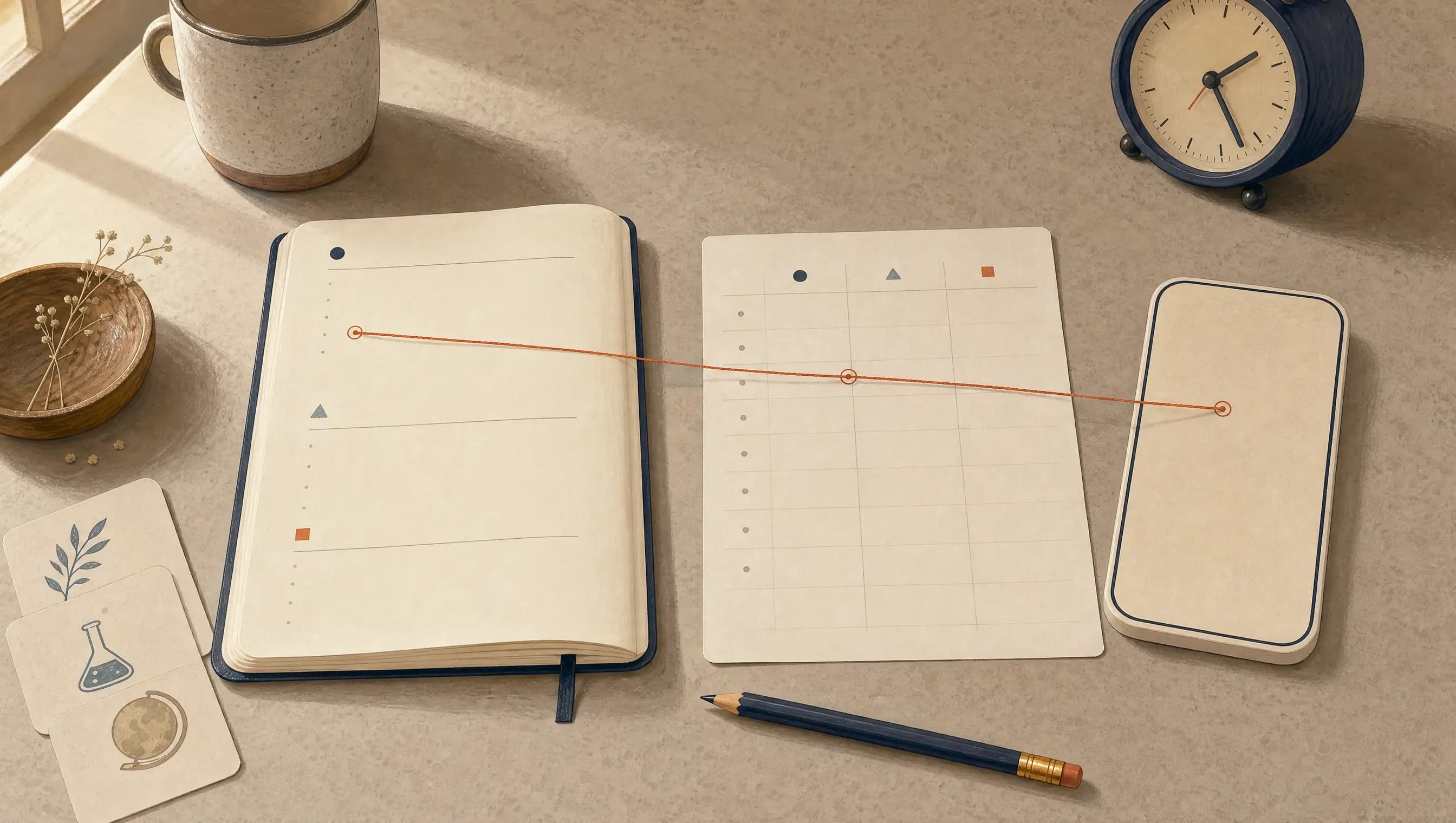
The spreadsheet is beautiful on Monday. By Thursday, the laptop is upstairs, the library trip is in the camera roll, and the only record of science is a damp paper towel holding bean seeds.
The right hours tracker for your family is not the one with the longest feature list. It is the one you can still use when the week stops cooperating.
Paper may fit when the pen is already in the room, a spreadsheet when custom columns and totals matter most, or an app when phone capture saves you from copying everything later. One ordinary week can test the option before you move the whole year. The fields named by local requirements are a separate check.
Compare what happens during the week
Whatever you choose, it should make four ordinary jobs easier:
- capture what happened
- keep the date, activity, duration, and short note understandable
- let you fix a mistaken entry without rebuilding the log
- show the totals and entries when you need them
The right tool is the one that makes those jobs easier for your family. A familiar spreadsheet can beat a complicated app. A notebook on the counter can beat both. An app can earn its place when it removes the copying that usually waits until Friday.
Paper log: useful when it lives in the room
A paper log works well when:
- it stays near the work
- writing a line is faster than opening a device
- one person maintains the record
- totals are simple enough to calculate during review
- a physical page matches the record you prefer to keep
Paper has almost no setup. It also makes the record visible. A page on the counter can remind you to write the line that a hidden tab cannot.
The tradeoff appears later. Adding totals, finding a date, attaching a photo, or correcting a crowded row may take more work. A lost notebook has no search box.
If paper fits, using the same fields each day keeps the rows easy to review. You can photograph completed pages as a backup if you are comfortable storing them on your device.
Spreadsheet: flexible and easy to total
A spreadsheet works well when:
- you want custom columns
- you need totals by subject, child, week, or date range
- you are comfortable with filters and simple formulas
- you want a file you can copy, export, or print
- most entries happen near the device where the sheet lives
A basic sheet can use five columns:
- date
- child
- subject or activity
- duration
- short note
The strength is control. You decide the categories, and the sheet can calculate totals without adding them by hand.
The weakness is opening it in time. If the sheet is not easy to reach from the kitchen, car, library, or co-op, the record may become a Friday memory project. A spreadsheet also needs links or organized folders when photos and work samples belong with the entry.
App: useful when records need to stay connected
An hours tracker app works well when:
- you can capture an entry where the day happens
- the same record needs to connect with subjects, notes, photos, or other work
- you want to review saved entries without rebuilding totals
- you can fix an entry without rebuilding the log
- more than one device needs access to the current record
An app can reduce copying. That is its real advantage. It should not take longer to open than the record takes to write.
Before choosing an app, it helps to check export, printing, account access, corrections, and what happens to the records if you stop paying. A beautiful dashboard is not useful if you cannot retrieve the actual entries when you need them.
The Friday test
Before moving a whole year into any system, test it for one ordinary week.
On Friday, these questions show where the system held and where it added work:
- How many entries did I have to reconstruct from memory?
- Could I fix a mistaken duration without rebuilding the row?
- Can I see the totals I actually need?
- Can I find the aquarium visit and the note that explains it?
- Can I print or export a usable record?
- Would I keep using this after a sick day or a week away?
The test is not whether you enjoyed setting it up. The test is whether it survived Thursday.
If daily capture is the part that keeps disappearing, start with how to track homeschool hours without losing the week.
Required fields are a separate check
A tracker can store what you enter. It cannot decide which requirement applies to your family. You can still test daily capture this week without moving old records.
Before a full-year move, the current official source for your location can tell you which fields and time period it clearly names. Your paper, spreadsheet, or app then needs room for them.
If the wording is unclear, the help or contact path on that official page is the safest next stop. A local attorney who works with homeschool requirements can also help. A general app description cannot make that decision for your family.
How Homa records homeschool hours
Homa’s homeschool hours tracker records the hours you share by subject. Its separate state-rules reference can help you find the sources and see when they were last checked. You still decide which current requirement applies to your family.
Homa may fit when you want the hours record near the weekly plan, practice pages, and digital binder. A spreadsheet may fit when custom formulas matter more. Paper may fit when the pen is already in your hand.
The record you will still keep
Paper, spreadsheets, and apps can all produce a useful homeschool hours record. The better choice is the one that reduces forgotten entries, lets you fix mistakes, gives you the totals you need, and returns your records when you ask.
One Friday test can save you from moving the whole year too soon. A system that still works after a disrupted week is a good fit for the next one.